

Download ACID XPress – Free Windows Audio Editor, Multiformat Tool
Overview
ACID XPress is a free audio program created by Sony Creative Software that targets Windows users who need a lightweight yet capable editor for multiformat audio projects. First released in the early 2000s, the latest stable build (version 5.0) was updated on November 7 2005 and continues to run on Windows 98 and earlier releases. Although the software is over a decade old, it remains popular in regions such as the United States, South Africa, and India, where users appreciate its small footprint and reliable performance.
With more than 56,761 total downloads since its catalog entry in 2005 and an average of 72 downloads per week, ACID XPress demonstrates a steady demand for a no‑cost, secure audio editing solution. The interface is intentionally simple, allowing beginners to jump straight into editing, while seasoned producers can exploit its multitrack capabilities, waveform visualization, and batch conversion tools. Because it is distributed only in English, the learning curve is consistent across global markets, and the software’s modest system requirements mean it can be installed on older hardware that struggles with modern, resource‑heavy DAWs.
Overall, ACID XPress fills a niche for users who need a free, stable, and straightforward audio editor without sacrificing essential multiformat support.
Key Features of ACID XPress
- Multiformat support – import and export WAV, AIFF, MP3, and OGG files.
- Non‑destructive multitrack editing with unlimited undo/redo levels.
- Waveform‑based visual editing for precise cut, copy, and paste operations.
- Batch conversion utility to quickly re‑encode large libraries.
- Built‑in metering and spectrum analysis for accurate monitoring.
- Support for VST plug‑ins, allowing third‑party effects and virtual instruments.
- Lightweight installer – requires less than 50 MB of disk space.
- Cross‑compatible project files that can be opened in later Sony ACID versions.
- Free updates within the 5.0 branch, ensuring stability without hidden fees.
- Simple, English‑only UI that minimizes the learning curve for beginners.
Each of these features was designed with a specific user scenario in mind. For instance, the batch conversion tool is a lifesaver for podcasters who need to repurpose hundreds of recordings for different platforms. Meanwhile, VST support expands the creative palette, letting musicians apply professional‑grade reverb or compression without leaving the ACID XPress environment.
The non‑destructive editing model guarantees that original audio files remain untouched, a critical factor for archival work or legal audio handling. Although the software lacks some of the flashy visual themes found in contemporary DAWs, its functional design ensures that every button and menu option has a clear purpose, reducing the time spent searching for hidden features. In practice, users report that they can complete typical editing tasks—such as trimming an interview, normalizing a music track, or applying a fade‑in/out—in under five minutes, even on legacy machines running Windows 98.
Installation, Usage & Compatibility
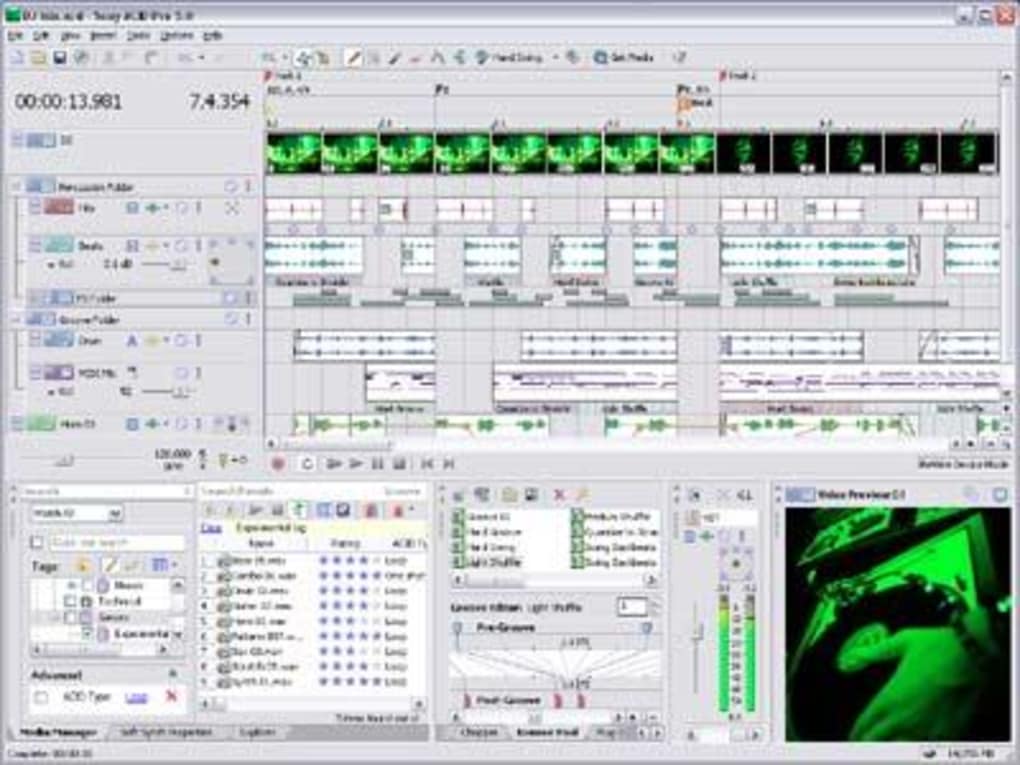
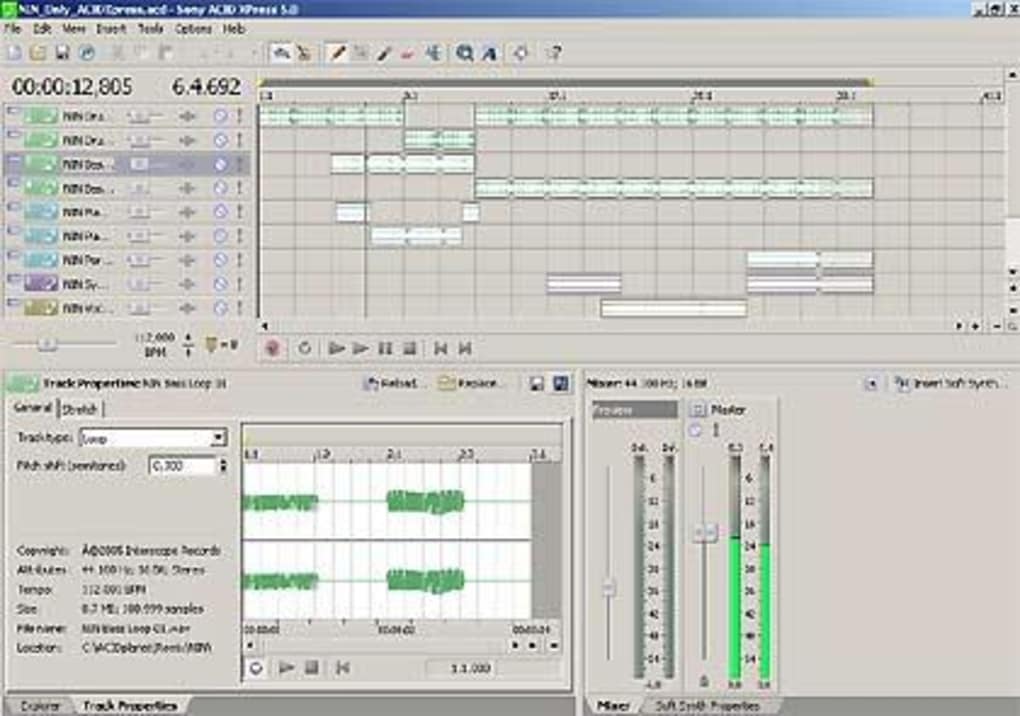
Installing ACID XPress is straightforward. After downloading the installer from a reputable source, double‑click the acidxpress_setup.exe file. The wizard guides you through a typical Windows installation flow: accepting the license agreement, selecting a destination folder (the default is C:\Program Files\ACID XPress), and choosing optional shortcuts. Because the program is designed for older Windows versions, it does not require .NET Framework or additional runtime libraries, which simplifies deployment on legacy systems. Once installed, launch the application from the Start menu; the main window opens with a clean toolbar, a track view, and a file browser pane.
ACID XPress officially supports Windows 98, Windows ME, Windows 2000, and Windows XP. While it can run on later versions such as Windows 7 or Windows 10 in compatibility mode, users may encounter minor UI scaling issues. Because the software does not rely on modern GPU acceleration, it works well on machines with integrated graphics or older video cards. Minimum system requirements include a 500 MHz processor, 128 MB RAM, and 50 MB of free disk space. These modest specs make the program an ideal choice for users who need a functional audio editor on refurbished laptops or desktop rigs that would otherwise be considered obsolete.
Pros and Cons
- Pros:
- Completely free with no hidden licensing costs.
- Extremely low system requirements; runs on legacy Windows hardware.
- Supports a wide range of audio formats out of the box.
- Non‑destructive editing protects original recordings.
- Batch conversion saves time for large projects.
- VST plug‑in compatibility expands creative options.
- Cons:
- No native support for macOS, Linux, Android, or iOS.
- Interface appears dated compared to modern DAWs.
- Lacks advanced MIDI sequencing and virtual instrument tracks.
- Limited documentation; users must rely on community forums.
- Occasional stability issues on Windows 10 without compatibility mode.
In daily use, the workflow revolves around importing audio files, arranging them on separate tracks, applying effects via VST plug‑ins, and exporting the final mix. The toolbar offers quick access to common actions: cut, copy, paste, fade, and normalize. The meter panel provides real‑time peak and RMS readings, which is helpful for ensuring broadcast‑level compliance. For users who need to edit podcasts, voice‑overs, or simple music demos, ACID XPress offers all the essential tools without overwhelming them with endless menus. Power users may miss built‑in automation lanes or advanced routing, but the program’s core stability and speed often outweigh these omissions, especially when working on modest projects.
Frequently Asked Questions
Is ACID XPress truly free or does it contain hidden fees?
ACID XPress is completely free. Sony Creative Software released it as a no‑cost utility, and there are no subscription fees, trial periods, or in‑app purchases. All updates within the 5.0 branch are also free.
Can I run ACID XPress on Windows 10 or Windows 11?
Yes, the program can be installed on Windows 10 and Windows 11, but you should enable Compatibility Mode for Windows XP (or earlier) to avoid UI scaling glitches. Core audio functions remain stable.
Does ACID XPress support VST plug‑ins?
Absolutely. The software includes a VST host that can load most 32‑bit VST effects, allowing you to add reverb, compression, EQ, and other processing tools to your tracks.
What audio formats can I import and export?
ACID XPress handles WAV, AIFF, MP3, and OGG files for both import and export. The batch conversion utility lets you convert entire folders between these formats with a few clicks.
Is there any official support or community forum for troubleshooting?
Official support from Sony ended several years ago, but a dedicated user community still maintains forums and archived documentation. Most common issues are discussed on legacy audio‑software boards and can be resolved through peer advice.
Conclusion – Should You Download ACID XPress?
If you are looking for a free, secure, and lightweight audio editor that runs on older Windows machines, ACID XPress remains a solid choice even in 2025. Its multiformat capabilities, batch conversion tool, and VST support provide enough depth for podcasters, voice‑over artists, and hobbyist musicians without the overhead of modern DAWs. While the UI may feel nostalgic and the feature set is not as expansive as paid alternatives, the program’s stability and zero‑cost model make it an attractive entry point for anyone who needs reliable audio editing without a subscription. To get started, simply download the installer, follow the quick setup, and begin editing your first track today. Remember, because the software is free, you can experiment freely and decide if you need to upgrade to a more advanced suite later on.
Ready to experience a classic Windows audio editor? Click the download button below to get ACID XPress instantly. Enjoy a secure, hassle‑free installation and start shaping your sound today!







